
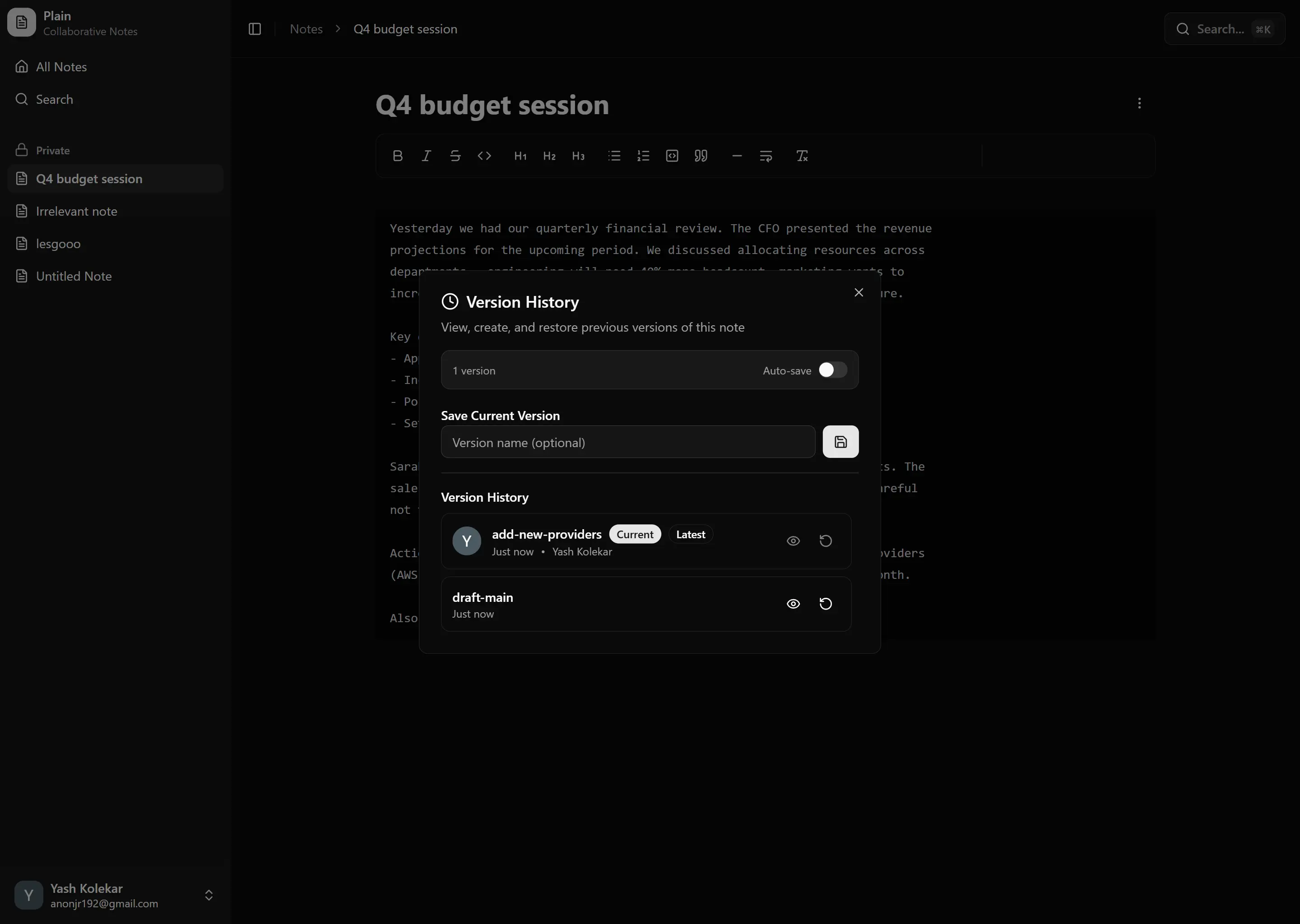
Plain - Collaborative Note-Taking App
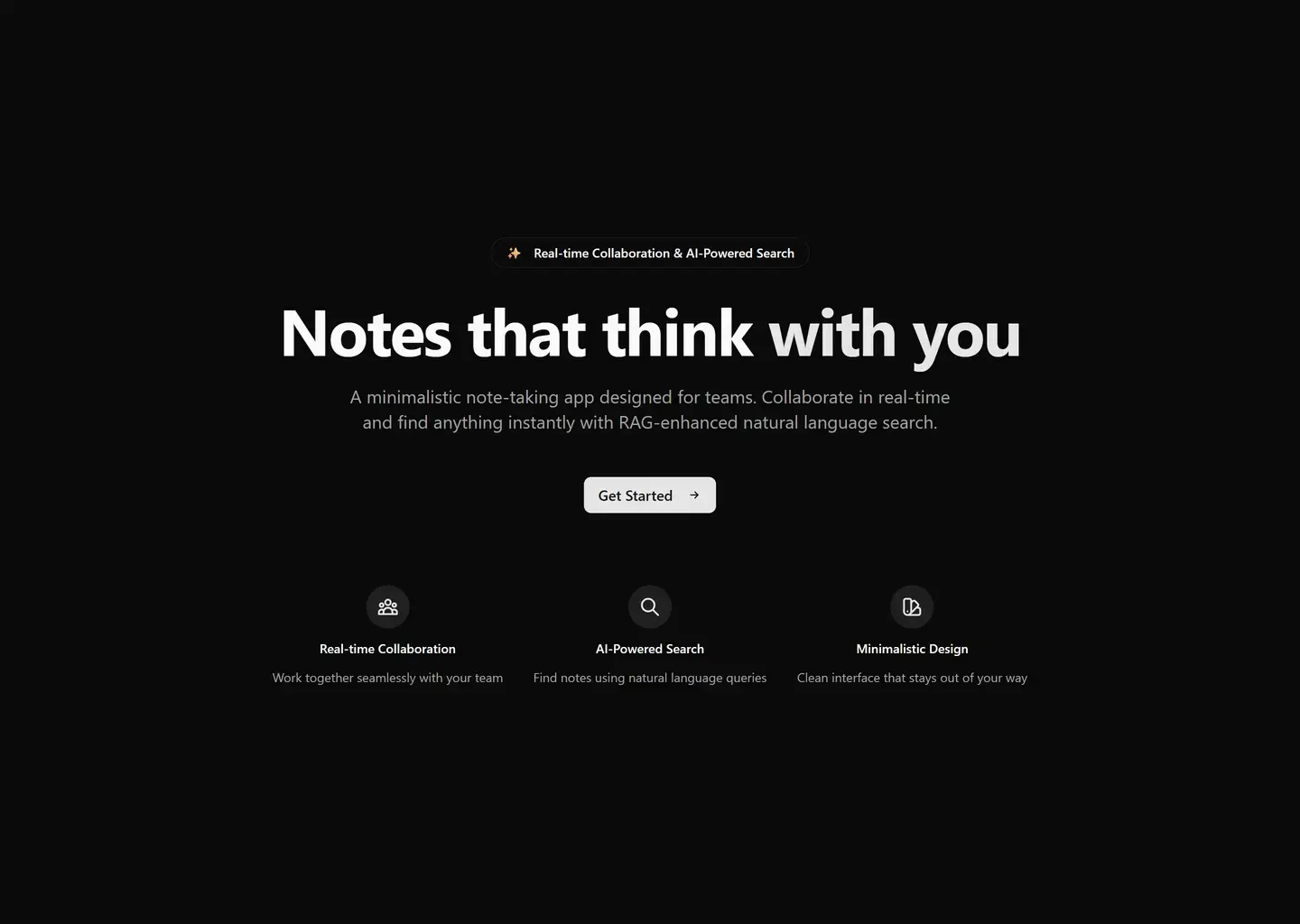
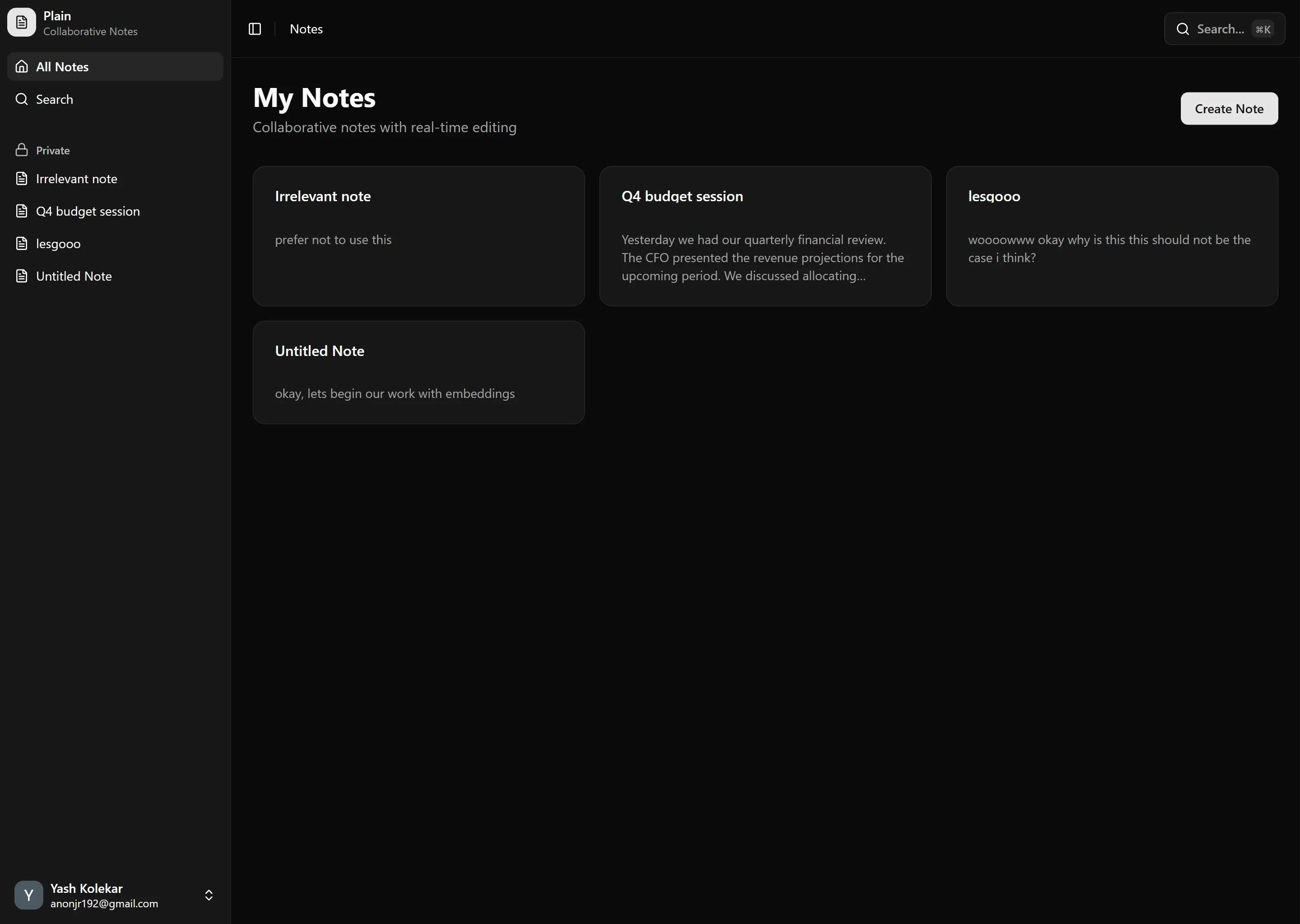
A beautiful, minimalistic note-taking application with real-time collaboration, built with modern web technologies.
✨ Features
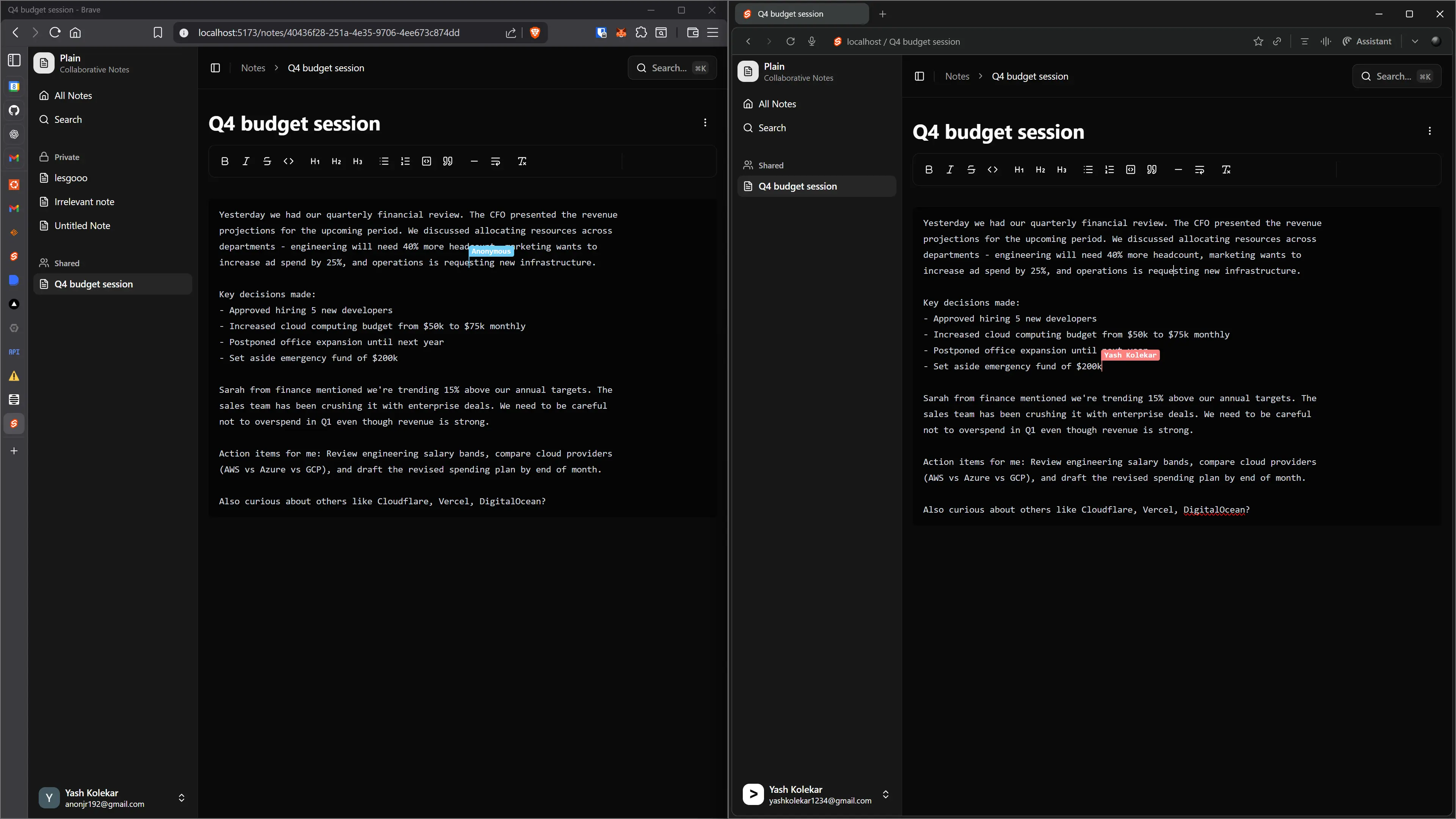
- Real-time Collaboration - Multiple users can edit notes simultaneously with live updates
- Rich Text Editing - Powered by Tiptap for a smooth editing experience
- Intelligent Search - RAG-based natural language search using pgvector and AI SDK
- Version History - Track changes and rollback to previous versions
- Clean UI - Minimalistic design with shadcn-svelte components
- Conflict Resolution - Smart merge management for concurrent edits
🚀 Technology Stack
Frontend
- SvelteKit (v5.41+) - Full-stack framework with Svelte 5
- TailwindCSS (v4.1+) - Utility-first styling
- shadcn-svelte - Beautiful, accessible UI components
- Tiptap - Rich text editor framework
- bits-ui - Headless UI primitives
Backend & Database
- Prisma - Type-safe database ORM
- PostgreSQL - Main database with pgvector extension
- Vercel - Deployment platform
AI & Search
- pgvector - PostgreSQL vector extension for embeddings
- AI SDK - Unified AI integration layer
- Transformers.js - Local embedding generation (all-MiniLM-L6-v2)
- OpenAI (optional) - For advanced LLM features
Real-time
- WebSockets / Server-Sent Events for live collaboration
- Operational Transform / CRDT for conflict resolution
📋 Prerequisites
- Node.js 18+ or Bun
- pnpm (recommended) or npm
- PostgreSQL database with pgvector extension
- OpenAI API key (optional, for LLM features)
🛠️ Getting Started
Installation
# Clone the repository
git clone <repository-url>
cd devfolio-tryouts

# Install dependencies
pnpm install

# Set up environment variables
cp .env.example .env
# Edit .env with your configuration
Environment Variables
DATABASE_URL="postgresql://..."
OPENAI_API_KEY="..." # Optional, for LLM features
BETTER_AUTH_SECRET="..." # For authentication
BETTER_AUTH_URL="http://localhost:5173" # Your app URL
Database Setup
# Initialize Prisma and enable pgvector
pnpm prisma generate
pnpm prisma db push

# The pgvector extension will be enabled automatically via migration
Development
# Start development server
pnpm dev

# Run type checking
pnpm check

# Format code
pnpm format

# Lint code
pnpm lint
📁 Project Structure
src/
├── lib/
│   ├── components/ui/    # shadcn-svelte components
│   ├── assets/           # Static assets
│   ├── hooks/            # Svelte hooks/stores
│   └── utils.ts          # Utility functions
├── routes/               # SvelteKit routes
│   ├── +layout.svelte   # Root layout
│   └── +page.svelte     # Home page
└── app.css              # Global styles
🎯 Core Functionality
Real-time Collaboration
- Concurrent editing with conflict-free merge
- Live cursor tracking
- Presence indicators
- Auto-save and sync
RAG-based Search
- Natural language queries across all notes
- Semantic search using vector embeddings
- Context-aware results
Version Control
- Automatic version snapshots
- Diff visualization
- One-click rollback
🎨 UI/UX Philosophy
- Minimalism - Clean, distraction-free interface
- Speed - Instant feedback and smooth animations
- Accessibility - WCAG compliant components
- Responsive - Works seamlessly on all devices
🔧 Development Workflow
- Feature branches from
main - Type-safe development with TypeScript
- Component-driven architecture
- Automated formatting with Prettier
- Linting with ESLint
📝 Coding Standards
- TypeScript for type safety
- Svelte 5 runes for reactivity
- Composition over inheritance
- Accessible components (ARIA labels, keyboard navigation)
- Consistent naming conventions (kebab-case for files, camelCase for functions)
🧪 Testing
# Run tests (when implemented)
pnpm test

# Run tests in watch mode
pnpm test:watch
🚀 Deployment
The app is configured for Vercel deployment:
# Build for production
pnpm build

# Preview production build
pnpm preview
Deployment happens automatically on push to main via Vercel integration.
📚 References
Inspired by industry-leading note-taking applications:
- Google Keep - Quick notes and organization
- Apple Notes - Clean, native experience
- Notion - Rich content and collaboration
- Google Docs - Real-time collaboration
- SimpleNote - Minimalistic design
🤝 Contributing
- Fork the repository
- Create a feature branch (
git checkout -b feature/amazing-feature) - Commit your changes (
git commit -m 'Add amazing feature') - Push to the branch (
git push origin feature/amazing-feature) - Open a Pull Request
📄 License
This project is licensed under the MIT License.
Built with ❤️ using SvelteKit, Tiptap, and modern web technologies